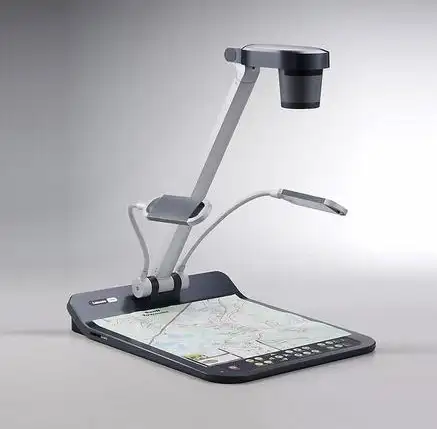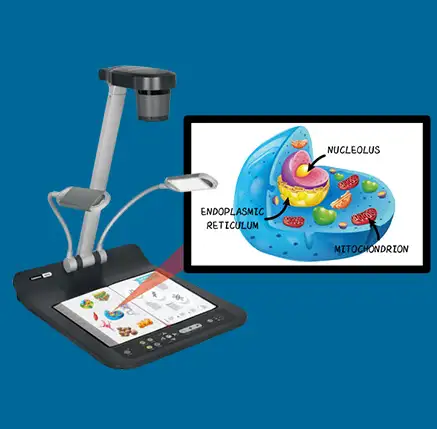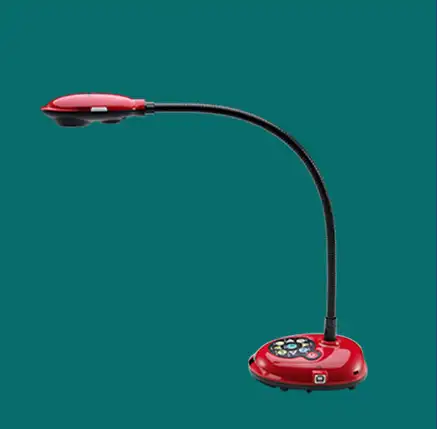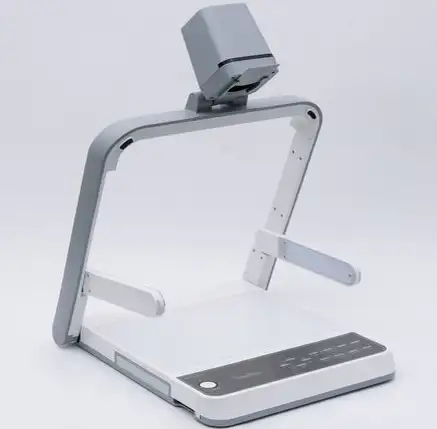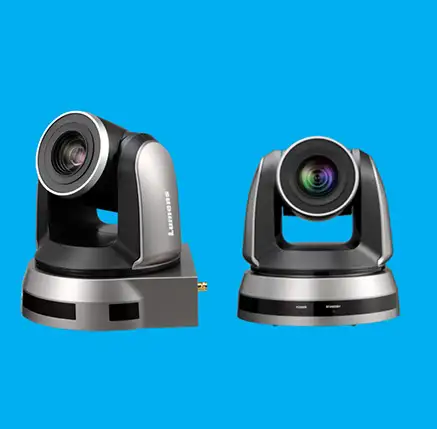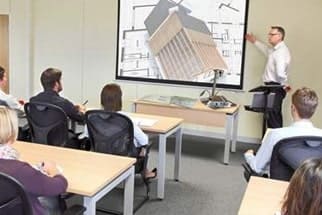

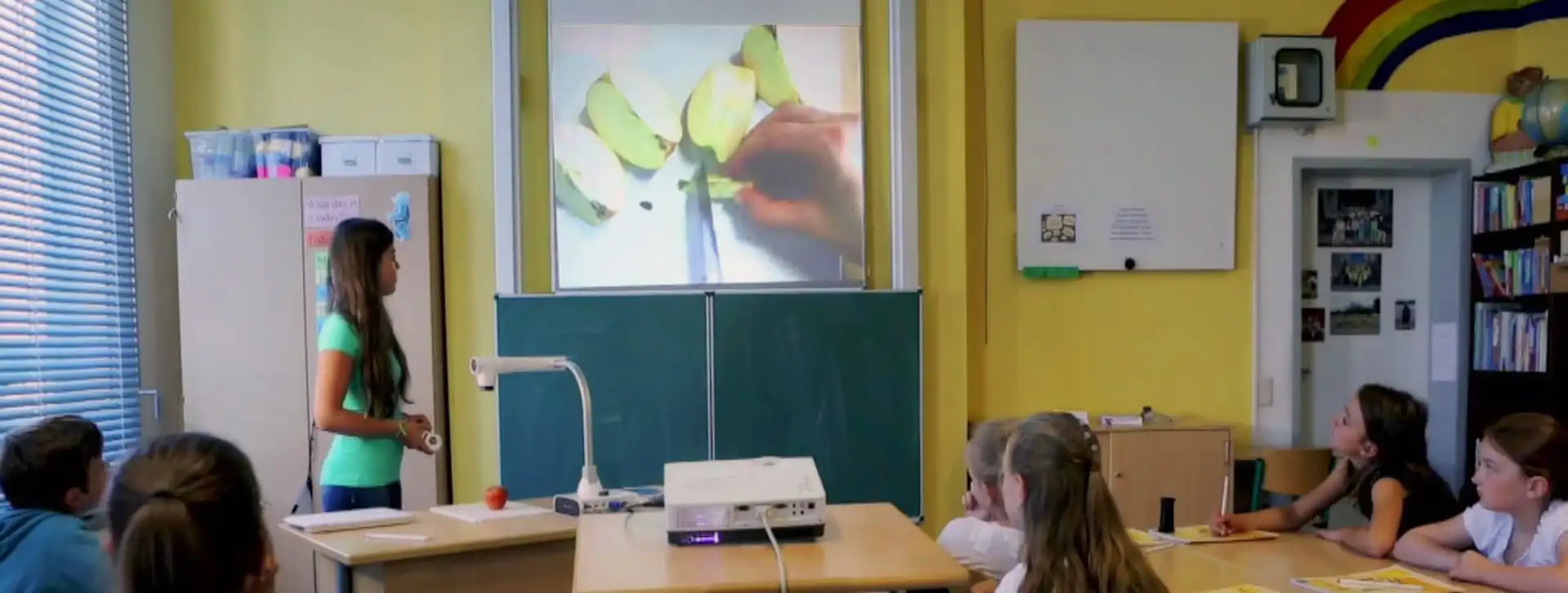
Document camera, also known as a visualiser or visual presenter, is a real-time image capture device for displaying physical objects and documents to a large audience. The image appears instantly on a projection screen or an interactive panel. The Lumens Document camera is portable and easy to adjust. Some Lumens Visualisers come with flexible gooseneck arms, allowing users to easily adjust the camera's position to display the content from different angles. This flexibility helps maximise the captured area and display different materials to accommodate presentations.
The Lumens Document camera offers optical zoom (20x or more), digital zoom (10x or more), mechanical zoom, and autofocus. These features let users zoom in on specific details of a document or object, so the audience can see fine details clearly without needing to adjust the camera by hand.
A visualiser can connect to an interactive whiteboard, smart panel, projector, or computer, making presentations and lectures more interactive. You can annotate live images for clearer explanations. It can also record audio and video of lectures and presentations, which is helpful for creating multimedia content, saving presentations, sharing videos with students who missed class, or uploading them to YouTube.
In education, teachers often use a document camera to share textbooks, experiments, 3D objects, handwritten notes, and other materials with the whole class. This helps make learning more interactive, fun, and engaging.
In business, a visualiser is useful for presentations, training, product demonstrations, and teamwork. It helps show physical documents or products during meetings or conferences. As remote learning and virtual meetings become more common, document cameras have become valuable tools for educators and professionals. They make it easier to share physical materials with remote participants and improve online learning and collaboration.

Full HD Document Camera captures sharp and detailed images of documents, notes, objects in real-time.

20x Optical and 12x digital zoom provide crystal-clear close-up view of objects, allowing you to magnify the images without losing quality.

Higher frame rate of 30fps or 60fps ensures smooth and lag-free video output, providing a better experience for live teaching, VC, and demonstrations.

Built-in microphone allows the document camera to capture clear audio, making it perfect for video conferencing, online teaching, and presentations.

The built-in LED backlight ensures clear, evenly lit images — ideal for low-light settings or displaying 3D objects. This is mainly used for Viewing Film negatives, X-rays and Microscopic slides

Document camera allows to capture and store lessons, presentations or demonstrations directly with built-in video recording capability. Video recording turns a live demonstration into digital shareable content.

Just connect the HDMI cable and power cord, and the document camera is ready to use —No need to install drivers or additional software. Anyone can operate it without technical skills.

Visualiser enables you to write, draw, highlight, or mark over the live image projected on the screen without needing a computer. This feature is beneficial for fast, interactive and engaging teaching or presentations.

Our visual presenter comes equipped with a Kensington Anti-Theft lock also known as a K-Slot, which provides physical security. It prevents unauthorized removal of the document camera from digital podium, classroom or meeting room.
We ensure the best quality and servide support to our clients and strictily beleive in long term relationship

We purchased VAC solution, installed successfully and working satisfactorily. We hereby wish to thank Vantage Avcom for thier exceptional professional approach towards work and wish good luck for their future.

Bought digital podium from Vantage Avcom, New Delhi on march 2018 . I suggest anyone who's looking for a sophicated teaching/presentation instrument to buy this particular podium. Once you get it installed, it is absolutely user friendly. Wish I could put one each in my classrooms

We have used Vantage Avcom solution for our college. They are very professionals and their recommendations have always been excellent. After sales service is prompt and reliable. We would not hesitate to recommend Vantage Avcom at all times.

The customer support is AMAZING. We love the design, look and quality of VAC Digital Podium. They are very prompt and professional to respond queries. We will definitely recommend the product.
You provided exactly what we wanted in integrated Digital Podium. The overall experience is great, we will work with you again and recommend your product to others. We are also happy with your exceptional customer service!